

Last Updated: November 26, 2026
Quick Summary
You track employee certification renewals by keeping one central record per credential with its issue date, expiry date and issuing authority, then running a scheduled check that flags anything expiring soon and triggers reminders to the employee and their manager. A single source of truth, a fixed reminder schedule and a named owner keep the process audit-ready.
- Every credential record needs the employee name and ID, credential name, issuing authority, credential number, issue and expiry dates, renewal status, proof of completion and last verified date.
- Move to dedicated tracking software when the manual tracker takes more than about 15 minutes a week or you track credentials across more than one site.
- Send reminders at 90, 30 and 7 days out, copying the employee, manager, training budget owner and health and safety lead as the deadline nears.
- Name one owner and one backup, and write the reminder schedule, escalation ladder and tracker location into a signed one-page renewal procedure.
- Intermediate First Aid with CPR and AED expires three years from issue, BLS Provider after one year, and PALS after two years.
Table of Contents
- How Do You Track Employee Certification Renewals?
- Building an Employee Certification Tracking Spreadsheet Template
- When to Move to Employee Certification Tracking Software
- First Aid Certification Renewal Tracking for Ontario Workplaces
- Designing a Certification Renewal Reminder System That Works
- Who Owns Renewals, Who Escalates, and What Happens When a Ticket Lapses
- Book Your Team's Next Recertification Class
- Frequently Asked Questions
How Do You Track Employee Certification Renewals?
You track employee certification renewals by keeping one central record for every credential, with its issue date, expiry date, and issuing authority, then running a scheduled check that flags anything expiring soon and triggers reminders to the employee and their manager. A process that holds up under audit usually follows the same pattern: a single source of truth, a fixed reminder schedule, and a named person who owns it. (Source: Ontario Ministry of Labour, Immigration, Training and Skills Development)
Most workplaces start with a spreadsheet and a calendar reminder. That works until the roster grows past a few dozen people, or until someone leaves and takes the password with them. Below, we'll show you exactly how to build the manual version properly, when to move to software, and how to handle renewals specific to Ontario workplaces, including first aid certification renewal tracking.
What Every Credential Record Needs
A credential record is only useful if it answers three questions: what is it, when does it expire, and who issued it. Miss any one of those and the record fails at the worst possible moment, usually during an audit or a jobsite inspection.
Every row in your tracker needs these fields:
- Employee name and ID, matching your payroll or HR system exactly
- Credential name, using the official title on the certificate
- Issuing authority, such as the Canadian Red Cross, Heart & Stroke Foundation, or a provincial regulator
- Credential number, where the issuer provides one
- Issue date and expiry date, recorded as separate fields
- Renewal status, one of current, expiring soon, expired, or in progress
- Proof of completion, a scanned certificate or a link to the digital copy
- Last verified date, when someone last confirmed the record is accurate
The last field is the one most teams skip, and it's the one that saves you. A certificate number typed wrong in 2023 looks fine until an inspector asks to see it.
Building an Employee Certification Tracking Spreadsheet Template
Start with a single sheet, not five. An employee certification tracking spreadsheet template only works when every credential lives in the same place, sorted the same way, with the same column headers. Split it by site or department and you've rebuilt the problem you were trying to solve.

Build these columns across the top row: Employee Name, Employee ID, Job Role, Site, Credential Name, Issuing Authority, Credential Number, Issue Date, Expiry Date, Days Until Expiry, Status, Reminder Sent, Proof on File, Last Verified, Notes.
That column list is the minimum. To make the template genuinely usable, add a second tab called Lists and put your controlled vocabularies there: credential names exactly as printed on certificates, issuing authorities, sites, job roles, and status values (Current, Expiring Soon, Expired, In Progress).
Set these validation and formatting rules on the main sheet:
- Date columns: format Issue Date, Expiry Date, Reminder Sent, and Last Verified as ISO dates (YYYY-MM-DD) so sorting and formulas behave consistently.
- Status: restrict to the four list values; do not allow free text.
-
Days Until Expiry: formula
=ExpiryDate - TODAY()in every row, never a typed number. - Proof on File: a Yes/No list plus a hyperlink column pointing to the scanned certificate in your shared drive.
- Credential Number: text format, not number, because leading zeros and letters matter.
Setting Up Expiry Checks and Reminder Columns
The Days Until Expiry column does the heavy lifting. Use a formula that subtracts today's date from the expiry date, so the number updates every time the sheet opens.
Add a Reminder Sent column with a simple date entry. When someone sends the notice, they log the date. That single habit prevents the most common failure we see, which is two people sending the same reminder twice while a third credential quietly lapses.
Build a second view, not a second sheet. Use a filter or pivot on the main sheet to show only rows where Days Until Expiry is 90 or less and Status is not Expired.
Watch out: storing the tracker on one person's desktop or in an email attachment. When that person is on vacation or leaves, the whole system goes with them.
For Ontario employers, consider adding one more column for the regulator or standard that governs each credential, so you can filter the tracker by the body that would ask to see the record during an inspection.
When to Move to Employee Certification Tracking Software
Move to dedicated software when your manual tracker needs more than about 15 minutes a week to maintain, or when you're tracking credentials across more than one site. Those are the two triggers that matter. Everything else is a preference.
The honest comparison looks like this:
| Approach | Setup effort | Ongoing effort | Best for |
|---|---|---|---|
| Spreadsheet tracker | Low, one afternoon | 15-30 min weekly | Single site, under 50 staff |
| Shared folder plus calendar | Low | 30 min weekly, error-prone | Teams with no budget |
| Dedicated tracking software | Medium, needs data import | Minutes weekly, automated | Multi-site, 50+ staff, audits |
| Training provider portal | Low, provider-managed | Depends on provider | Teams training with one provider |
Software earns its cost in three places: automated expiry checks, email notifications that don't depend on someone remembering, and audit reports you can export in one click. Manual tracking wins on cost and flexibility, and for a small Nepean operation with 15 employees, a well-built spreadsheet is genuinely enough. The same discipline that makes a spreadsheet reliable for certification renewals can support keeping equipment maintenance records, especially when each task has a clear owner and due date.
What most guides miss is that software doesn't fix a bad process. If you haven't decided who owns renewals, an automated alert just reaches the wrong inbox faster.
First Aid Certification Renewal Tracking for Ontario Workplaces
First aid certification renewal tracking in Ontario follows the Workplace Safety and Insurance Board's first aid requirements, and the renewal cycle depends on the level of training.
Effective June 22, 2026, the WSIB updated the naming and standards for workplace first aid training (First Aid Program). Standard First Aid is now referred to as Intermediate First Aid. Certificates issued before that date remain valid until their normal expiry date, and holders do not need to retrain early because of the change.
Renewal windows differ by credential. Intermediate First Aid with CPR and AED expires three years from the issue date. BLS Provider certification expires one year after issue. PALS expires two years after issue.
If your team is spread across different roles, it helps to know which CPR level applies to whom before you build the tracker. Our guide to CPR classes near me in Ontario breaks down CPR-A, CPR-C, BLS, and workplace compliance so you assign the right credential to each role.
Designing a Certification Renewal Reminder System That Works
A certification renewal reminder system works when it sends notices at fixed intervals, to more than one person, through more than one channel. Single reminders to a single inbox fail at a predictable rate.
Use a three-stage schedule:
- 90 days out: notify the employee and their manager. This is the booking window, not the warning.
- 30 days out: second notice, now copied to whoever owns the training budget.
- 7 days out: escalation notice to the manager and the health and safety lead, with the employee's name and the exact credential at risk.
Send by email and post the same list in your weekly operations meeting. Email gets ignored; a name read aloud in a meeting does not.
For teams rolling this out from scratch, our 7 steps to CPR training for workplace employees walks through the full process, including how to tie training bookings to the reminder calendar so renewal and scheduling happen in one motion.
Who Owns Renewals, Who Escalates, and What Happens When a Ticket Lapses
Name one owner and one backup. That's the whole rule. The owner maintains the tracker, sends reminders, and books renewals. The backup covers vacations and turnover. Without a named backup, every system we've seen eventually fails during a leave.
Write the ownership down in a one-page renewal procedure and have both people sign it.
Escalation should be written down, not assumed. A workable ladder: the employee is notified first, the manager at 30 days, and the health and safety lead at 7 days.
Coverage planning is the part most teams skip. Before a credential lapses, decide who covers the duty in the interim.
Record retention and access control belong in the same procedure.
Small teams often ask whether they can handle this themselves. For a small operation, a tracker, a reminder schedule, and a named owner can carry the process.
Measure the process so you know whether it is working.
Book Your Team's Next Recertification Class
The tracker tells you what's expiring. The booking closes the loop, and it's the step where most systems stall, because someone has to actually schedule the class.
First Aid Plus offers more than 30 specialized courses, and can be contacted about scheduling for groups. Our Intermediate First Aid with CPR and AED recertification costs $95.00. For healthcare providers, BLS recertification is $55.00, and both ACLS and PALS recertification are $225.00 each.
If you're ready to act on the renewals your tracker just flagged, you can book a BLS recertification course for your healthcare staff, or arrange First Responder recertification for team members whose credentials are coming due.
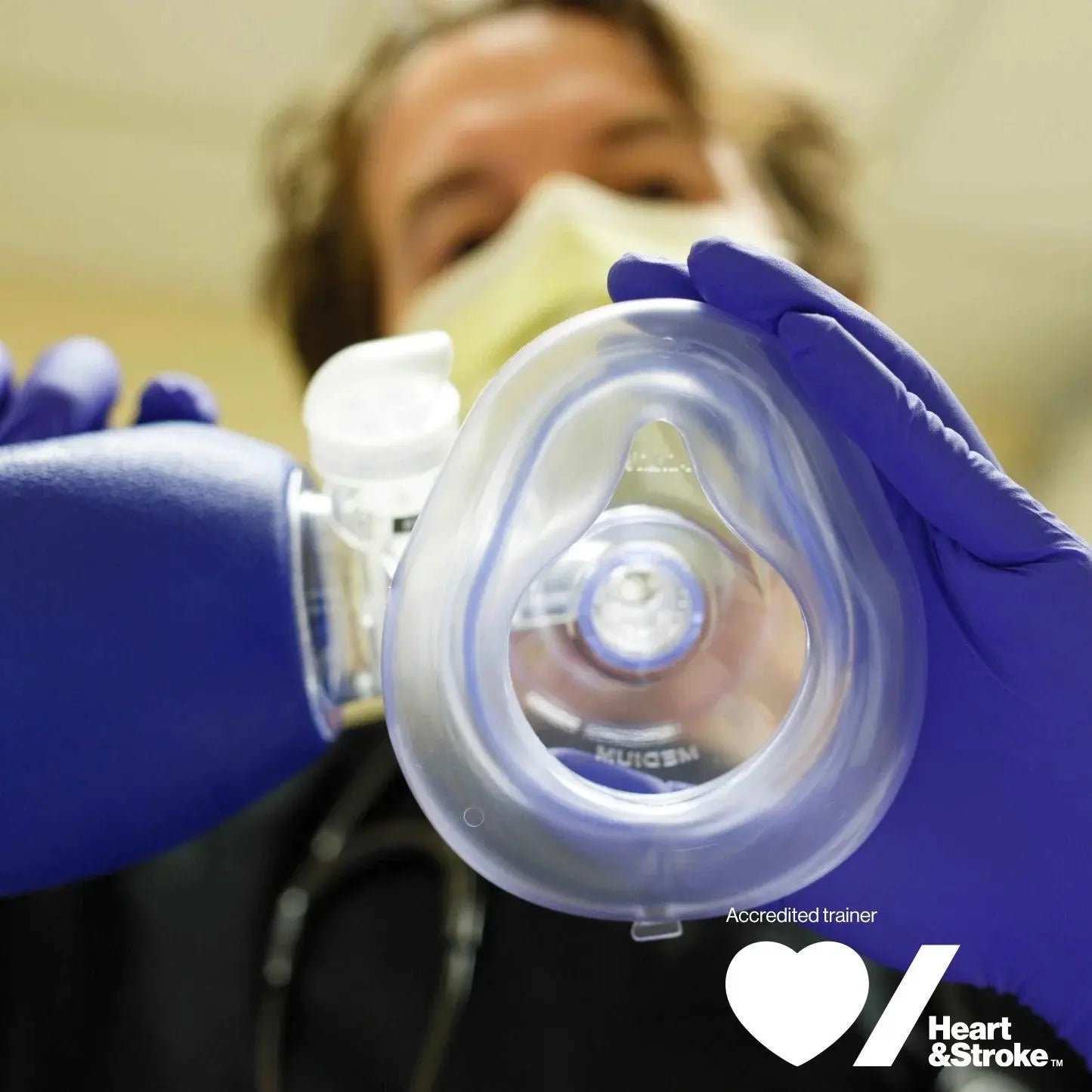

For the compliance case to take to your leadership, our article on the benefits of workplace first aid compliance in Ontario sets out why the tracking investment pays for itself.
The gap between an audit-ready workplace and a lapsed certificate is usually one missed reminder. First Aid Plus can take the booking side off your plate entirely, with WSIB-compliant courses, Heart & Stroke Foundation content, and group scheduling across Ontario.
Frequently Asked Questions
How far in advance should employees be notified about certification renewals?
Set your first reminder 60 to 90 days out so there is time to book a class and cover the shift. For credentials that require a prerequisite, such as BLS before PALS, start earlier. A second reminder at 30 days and a final one at 14 days catches anyone who ignored the first. Build the schedule into your tracker so reminders trigger from the expiry date rather than from memory.
Is a spreadsheet or certification tracking software better for a small team?
A spreadsheet works well up to roughly 20 to 30 employees with a handful of credential types each. It costs nothing and you control it. Past that point, or once you need audit reports and manager notifications, software saves time. The deciding factor is usually how many credentials expire per month and whether anyone can be relied on to check a file manually.
What should an employer do when an employee's certification expires?
Remove the person from duties that require the credential immediately and record the change. Book recertification, noting that some courses require a current, unexpired certificate to qualify for the renewal class. If the certificate has already lapsed, the employee may need the full course instead of the shorter renewal. Log the incident so you can see whether reminders failed or the employee did not act.
What information should an employee certification tracker include?
Record the employee name and ID, credential name, issuing authority, certificate number, issue date, expiry date, renewal status, and a link to the scanned certificate. Add a manager or owner column and a notes field for prerequisites. For Ontario workplace first aid, note the WSIB-approved course name, since Standard First Aid is now called Intermediate First Aid under the updated standards.
Recertification course costs
